
IBM OpenSource Project RoboShop with Kubernetes
In this Blog you will learn about Namespace , Cluster , ConfigMap , Secrets , Labels , annotations , pods , Deployment , replicaset , Selectors , emptyDir ,
manifest files , Services , Cluster IP , NodePort , LoadBalancer , Networking.
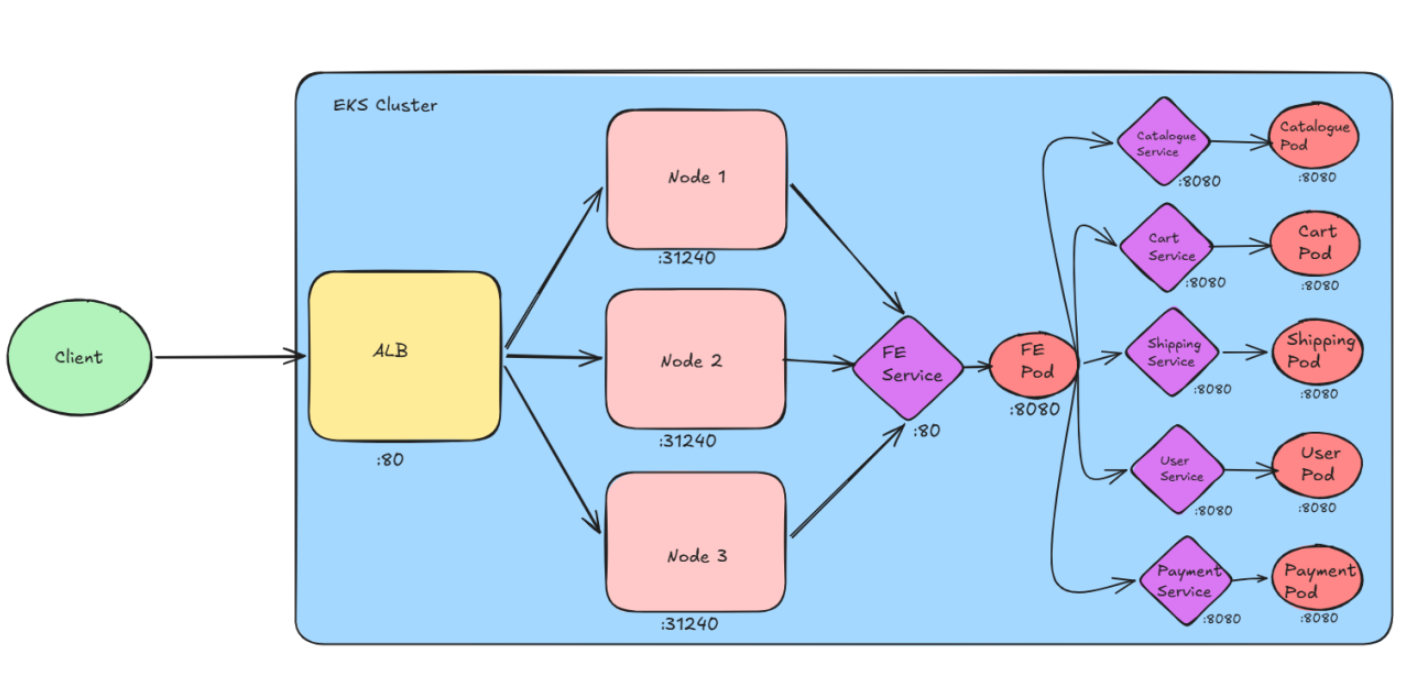
So here what ever the request comes to the LoadBalancer at port 80 (http) will be forwarded to the any node at port 31240
and the node will forward the request to the frontend service and frontend service will forward to the pods attached to the service.
If any version change in the Docker Image then we can simply modify the manifest.yml file and do the kubectl apply -f Frontend/manifest.yml
Then pods will get the new image and kubernetes performs the rolling deployment.
Here we opened the port 8080 for the nginx pod , because if we run the container with the non-root user then we can't open the system ports
the system port range is (0-1024), but service port can be anything so we set for port 80.
Generally Kubenetes is for the stateless applications , not for the statefull applications means it is not good to keep the databases in the k8s
but in fewer situations we can run the DB in K8s like Redis for cache purpose. But it is not recommended to keep the Prod DB.
The entire k8s cluster is ephemeral (temporary) So where can we store the pod logs then ? So we create sidecar container in the each pod so that
that sidecar container will access the application pods logs and send it to the ELK.
These concept comes under Volumes , In the current manifest file of Mysql i have used the emptyDir volume ignore now we will discuss in the next blog.
Commands i used commonly:
eksctl create cluster --config-file=manifest.yml
eksctl delete cluster --config-file=manifest.yml
kubens roboshop
kubectl get pods
kubectl get svc
kubectl get pods -o wide
kubectl exec -it <Pod_Name> -- bash
kubectl exec -it <Pod_Name> -- sh
kubectl apply -f Catalogue/manifest.yml
kubectl describe pod <Pod_Name>
kubectl logs <Pod_Name>
kubectl describe svc <Service_Name>
kubectl get rs
watch kubectl get pods => refreshes every 2 sec
kubectl get nodes
telnet mysql 3306
telnet mongodb 27017
telnet redis 6379
telnet rabbitmq 5672
telnet catalogue 8080
echo "vijay' | base64 => encoding
echo "dmlqYXkK" | base64 -d => decoding
Here i have created the cluster nodes with type SPOT , Means aws will charge you with the minimal amount for that spot instances and aws can take back the instances at any time, So it is not recommended to use spot instances in the production env's, Here i have used for the learning purpose alone.
In the next blog we will learn about the Volumes , emptyDir , hostPath , PV(Persistent Volume) , PVC(Persistent Volume Claim) , Statefullset , Daemonset , StorageClass ,
headless service , sidecar containers.
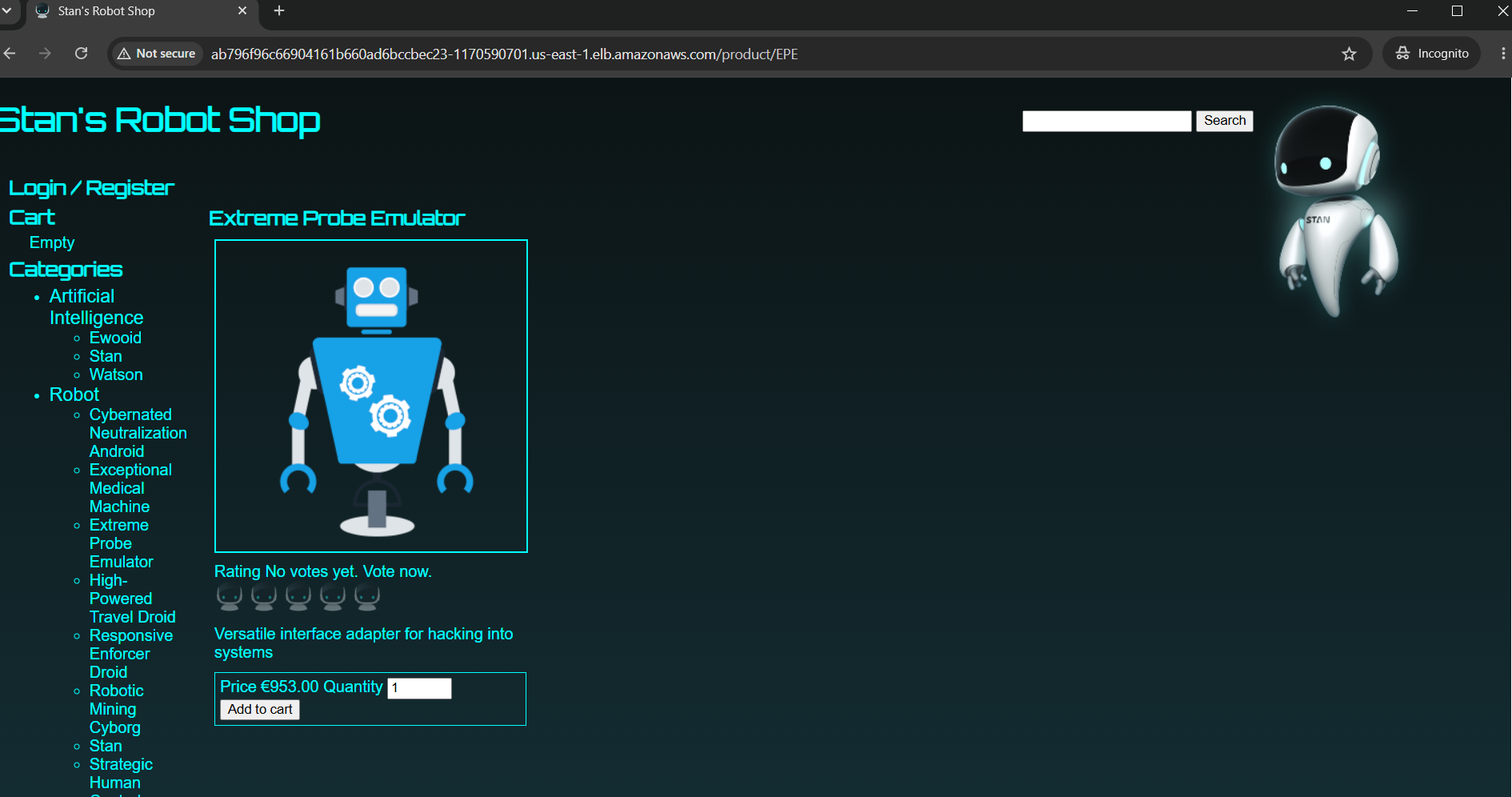
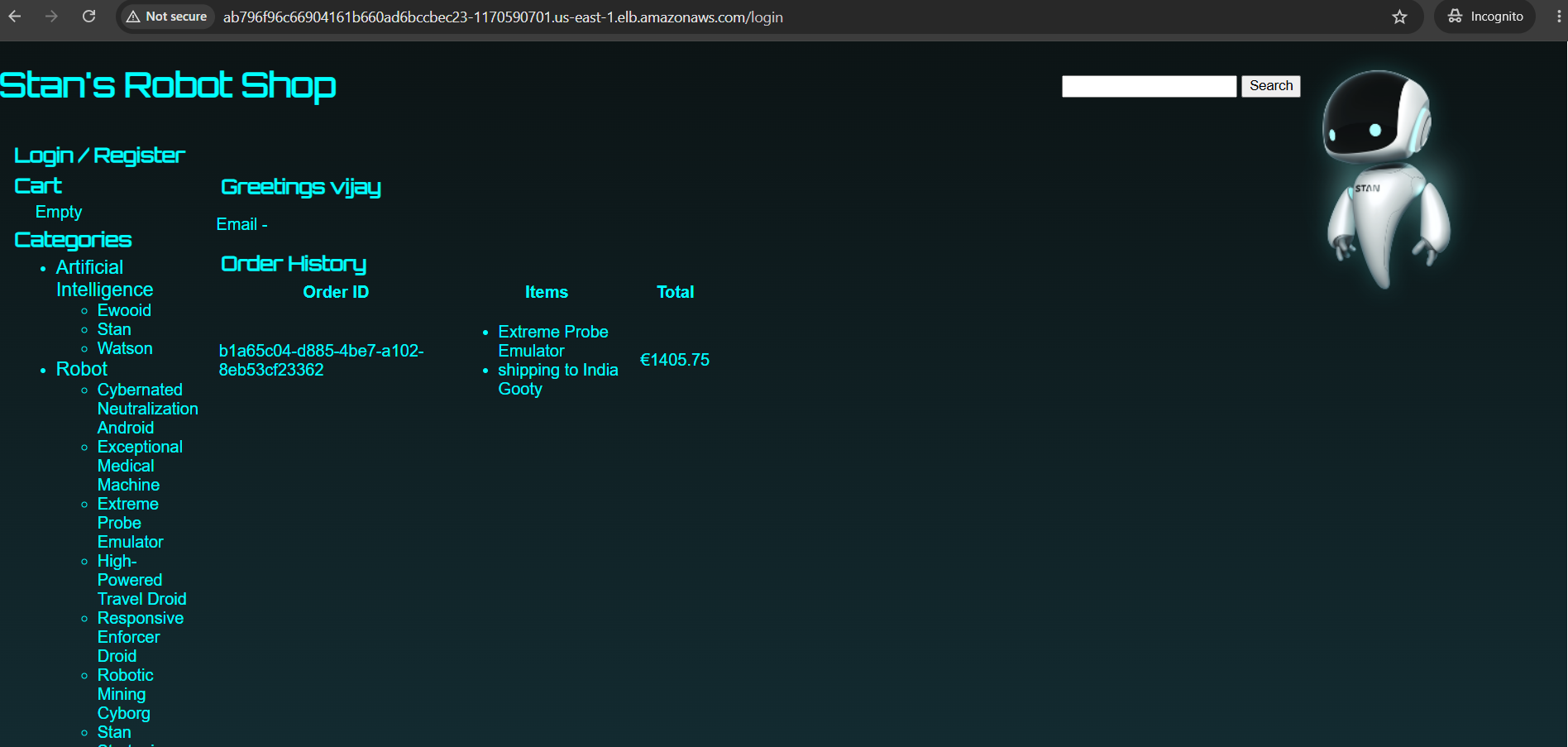
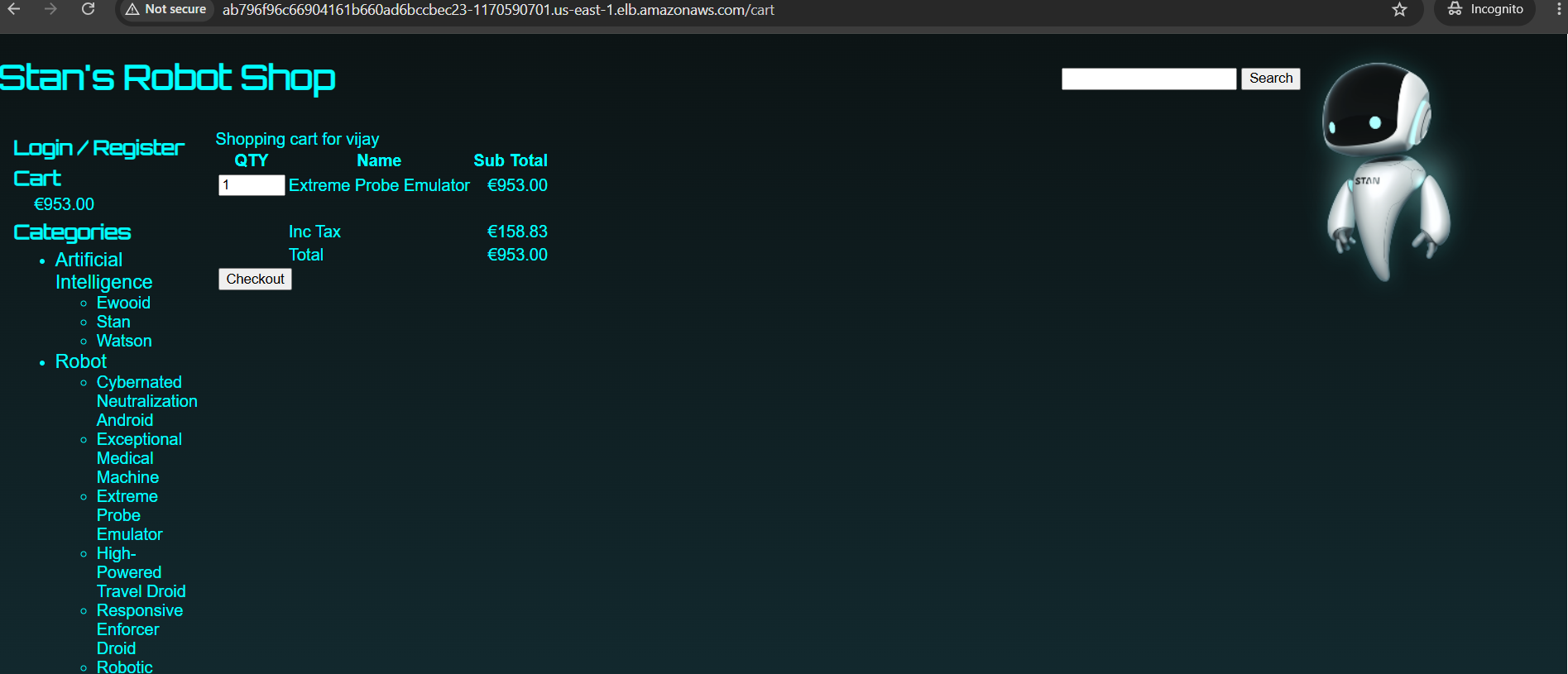
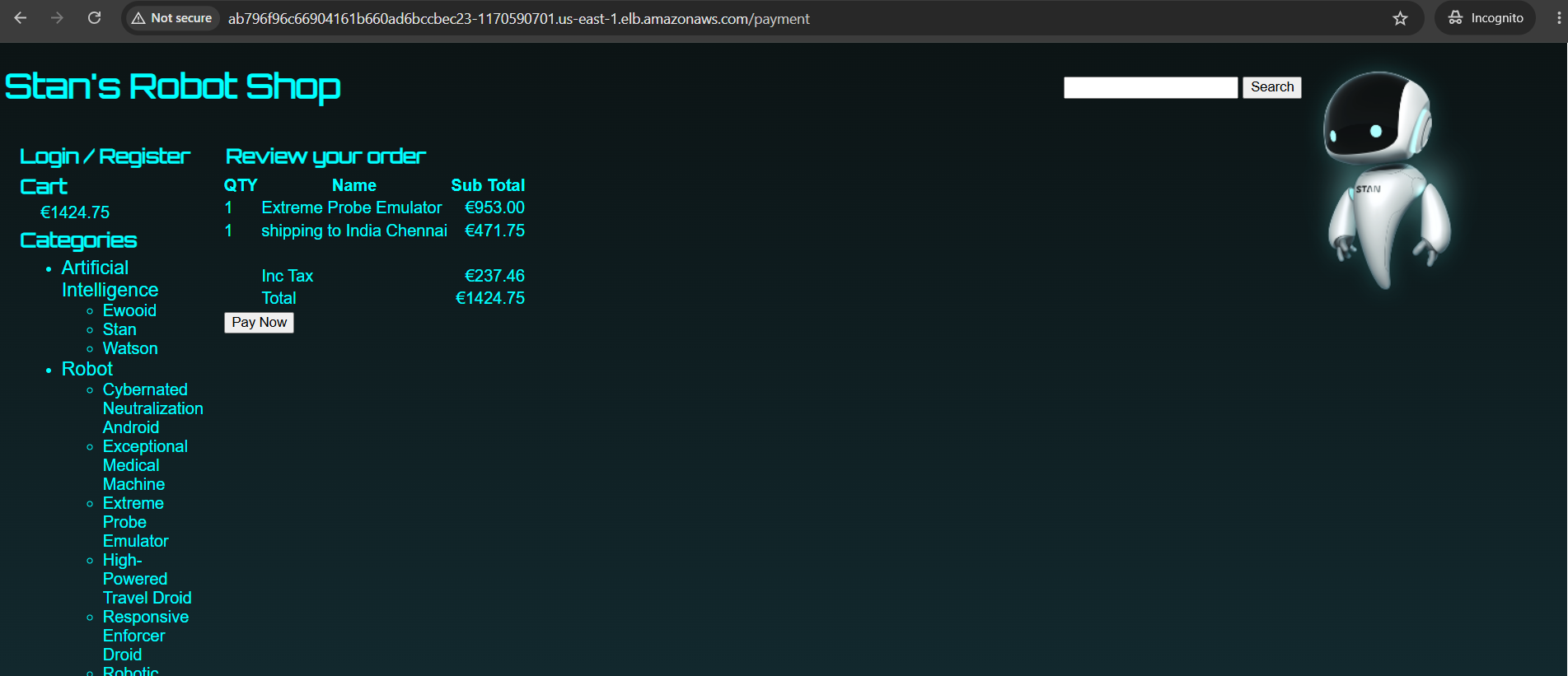
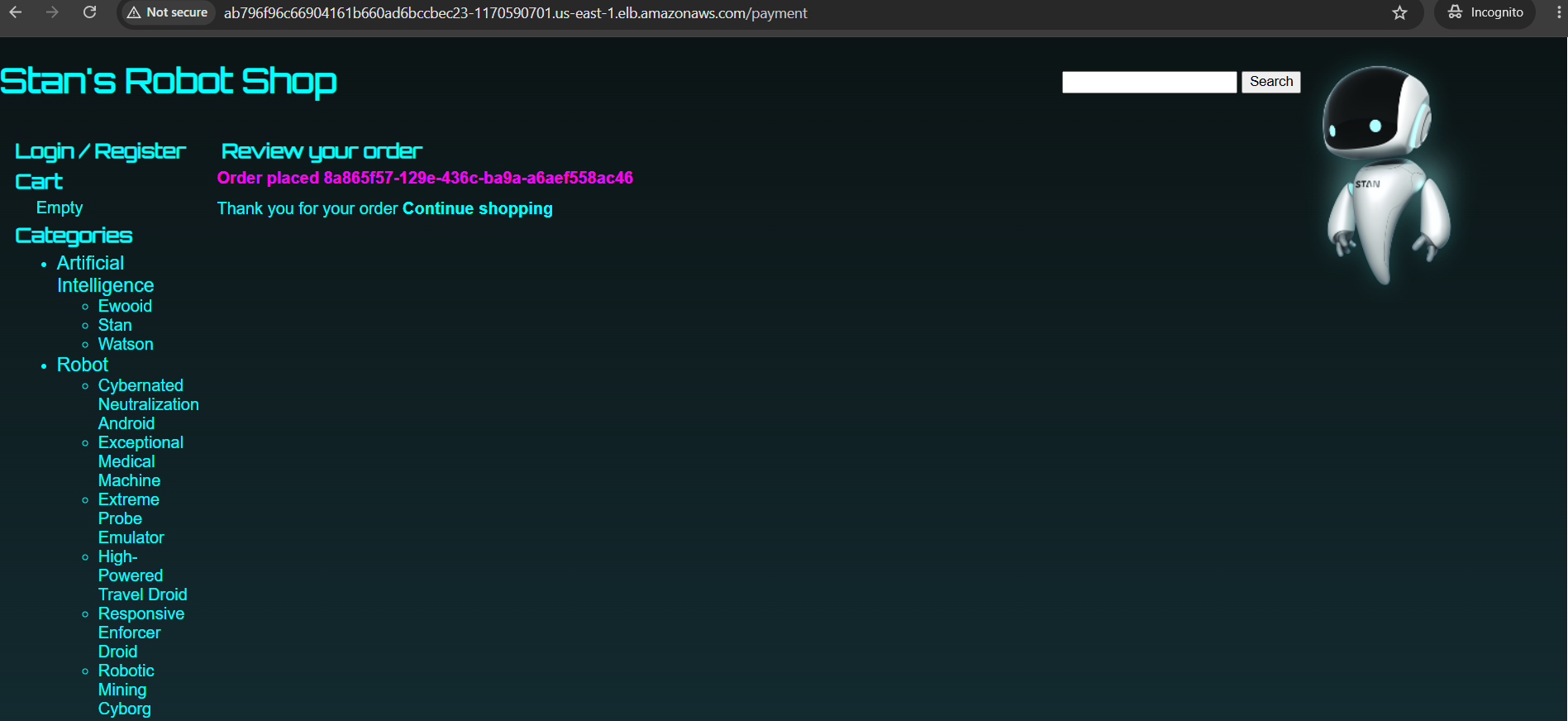
Project Images:
Thank You :)